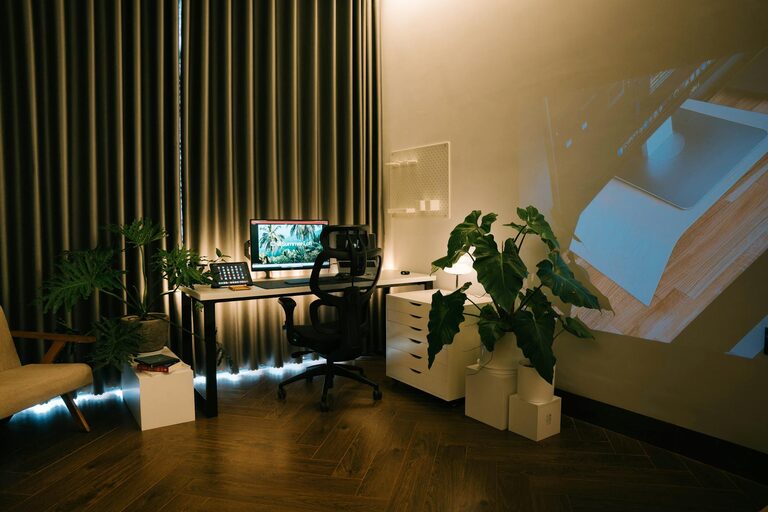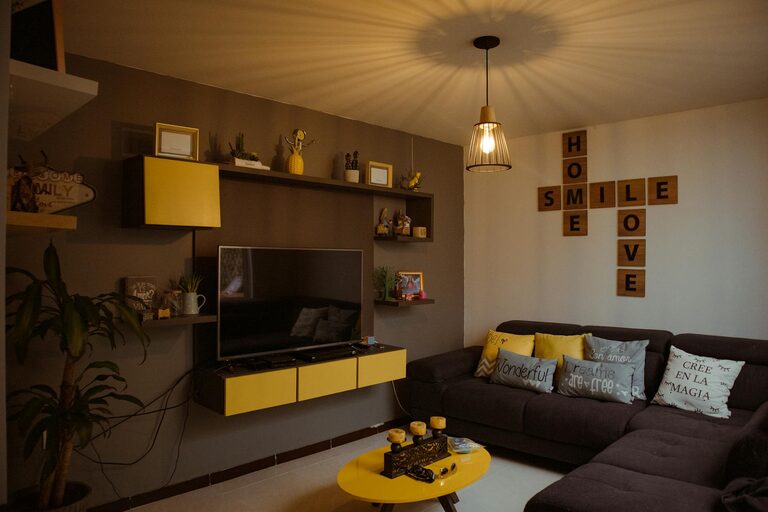
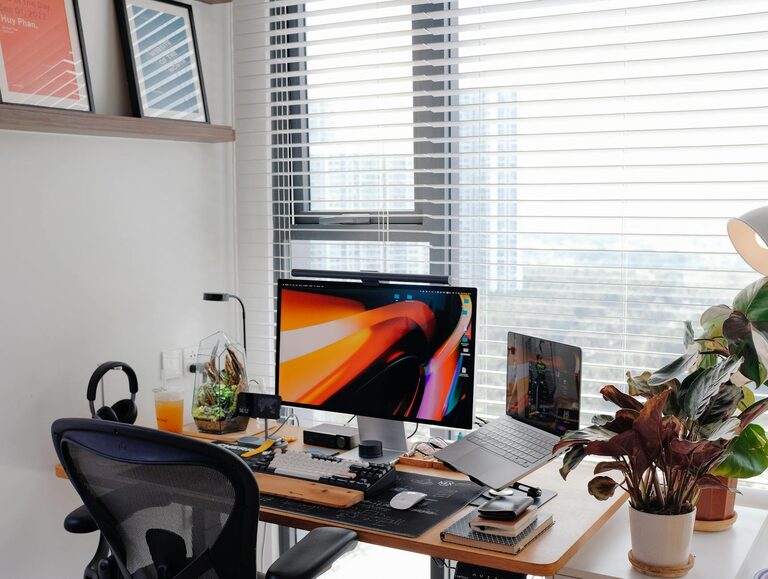
Creating a home workspace that is both cozy and productive is essential for anyone working from home or pursuing personal projects. The right environment can improve your focus, reduce stress, and make your workday more enjoyable. Whether you have a dedicated room or just a small corner, a few thoughtful changes can transform your space. Here are some practical tips to help you design a workspace that feels welcoming and encourages productivity.
Choose the Right Location
Selecting the right spot in your home is the first step toward creating an effective workspace. Consider these factors:
– Natural Light: Place your desk near a window if possible. Natural light reduces eye strain and enhances mood.
– Quietness: Find an area away from household noise or distractions.
– Space: Make sure there’s enough room for your essentials like a computer, notebooks, and perhaps some personal items.
If space is limited, even a small desk or a compact nook can work well with the right setup.
Invest in Comfortable and Functional Furniture
Comfort plays a big role in how productive you feel.
– Ergonomic Chair: Choose a chair that supports your back and promotes good posture.
– Desk Size: Opt for a desk with enough surface area for your equipment and workspace accessories.
– Adjustable Options: An adjustable chair or standing desk can help you switch postures during the day.
A well-chosen desk and chair can reduce discomfort and keep you focused longer.
Organize with Smart Storage Solutions
Clutter often hinders productivity, so organization is key.
– Desk Organizers: Use trays, pen holders, and file racks to keep frequently used items tidy.
– Shelving: Install shelves or use bookcases to store books, documents, and decor items.
– Cable Management: Use clips or sleeves to keep cords untangled and off the floor.
By keeping your workspace orderly, you save time looking for things and maintain mental clarity.
Personalize Your Space
Adding personal touches makes your workspace feel inviting.
– Plants: Small indoor plants improve air quality and add a touch of nature.
– Art and Photos: Decorate your walls or desk with artwork or pictures that inspire you.
– Colors: Choose colors that calm or energize you depending on your preference. Soft blues and greens promote relaxation, while yellows and oranges can enhance creativity.
Personalization helps create an environment where you feel motivated and comfortable.
Optimize Lighting
Good lighting reduces eye strain and helps maintain alertness.
– Task Lighting: Use a desk lamp with adjustable brightness for focused work.
– Ambient Lighting: Choose overhead lighting that is not too harsh.
– Avoid Glare: Position screens to avoid reflections from lights or windows.
Balancing natural and artificial light will keep your space bright and easy on your eyes.
Minimize Distractions
A focused environment supports productivity.
– Noise Control: Use noise-canceling headphones or white noise machines if background noise is unavoidable.
– Digital Distractions: Consider apps that limit social media or notifications during work hours.
– Dedicated Work Hours: Establish clear boundaries to help others respect your workspace and time.
Creating boundaries helps maintain your workflow and reduces interruptions.
Incorporate Break and Movement Areas
Even small breaks make a big difference in comfort and focus.
– Stretch Space: Allow a little room for stretching or simple exercises.
– Relaxation Items: Keep a cushion, yoga mat, or small meditation corner nearby.
– Hydration and Snacks: Have easy access to water and healthy snacks to stay energized.
Taking regular breaks refreshes your mind and body, improving overall productivity.
Keep It Clean and Fresh
A clean workspace promotes a clear mind.
– Regular Cleaning: Dust your desk and wipe surfaces frequently.
– Air Quality: Open windows to let in fresh air or use air purifiers.
– Scent: Light a mild scented candle or use essential oils to create a pleasant atmosphere.
Maintaining cleanliness adds to the coziness and helps you feel more comfortable.
Embrace Technology Wisely
Technology is essential but should support—not distract from—your work.
– Quality Equipment: Use reliable hardware like a good monitor, keyboard, and mouse.
– Cable Management: Keep cords neat and accessible.
– Backup Plans: Have chargers and backups handy to avoid interruptions.
When technology works smoothly, your focus stays intact.
—
By considering these tips, you can design a home workspace that is both cozy and highly functional. Remember, your workspace should reflect your needs and personality. A comfortable, organized, and inspiring environment is key to working effectively and enjoying the process every day.