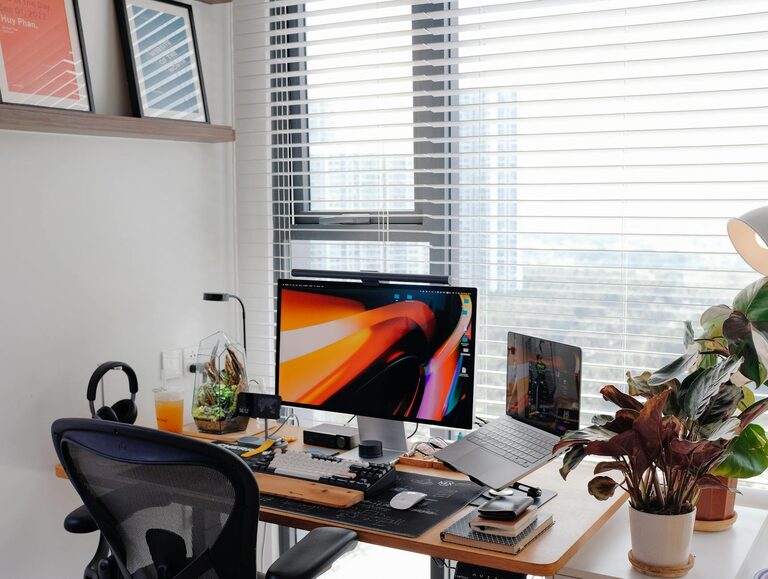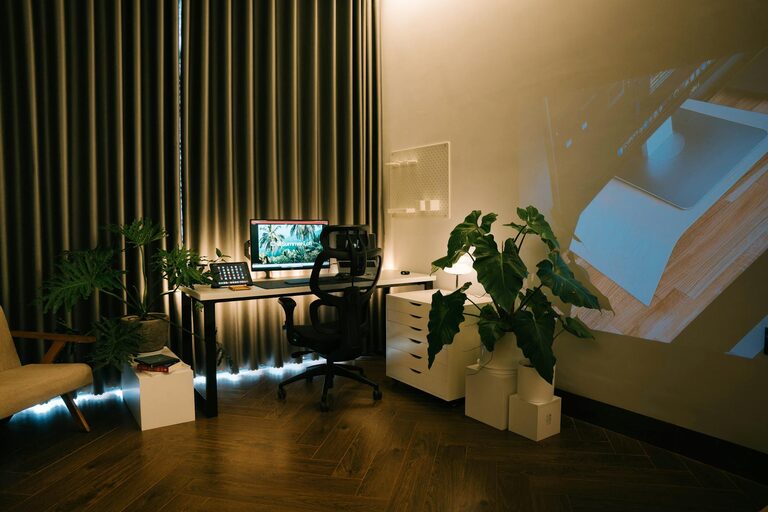
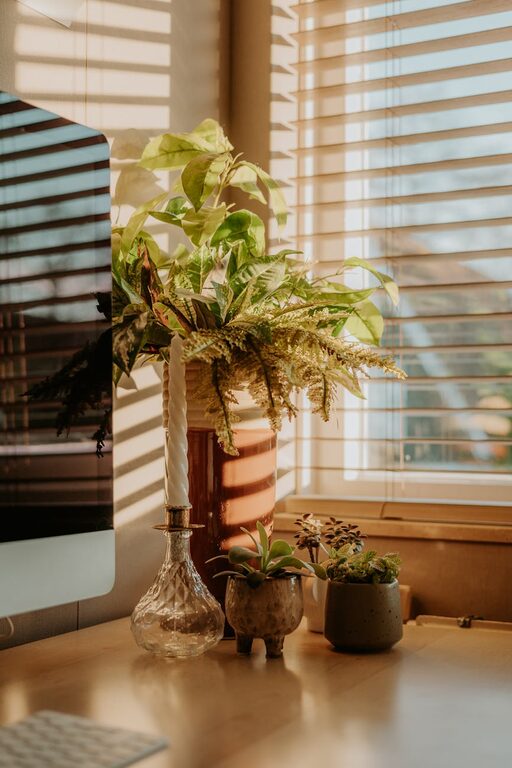
Creating a home office that is both cozy and productive can transform the way you work and improve your overall well-being. Whether you work remotely full-time or occasionally need a quiet spot to focus, your workspace plays a key role in your success. Below are practical tips to help you design a home office that invites comfort while boosting productivity.
Choose the Right Location
Finding the perfect spot for your office is the first step toward creating an inviting and functional workspace.
– Natural light: Aim for a space near a window to maximize exposure to natural light, which can enhance mood and energy.
– Quiet environment: Pick a low-traffic area to minimize distractions and noise.
– Separation from living spaces: Ideally, choose a dedicated room or corner to mentally separate work from relaxation.
Invest in Ergonomic Furniture
Comfort is crucial when spending long hours at your desk. Ergonomic furniture helps reduce strain and keeps you comfortable.
– Ergonomic chair: Look for a chair with adjustable height, lumbar support, and sufficient padding.
– Adjustable desk: Consider a desk that lets you sit or stand, allowing you to change positions during the day.
– Proper desk height: Ensure the desk allows your arms to rest at a 90-degree angle while typing.
Organize with Purpose
Keeping your workspace organized reduces clutter and helps you focus on tasks without unnecessary distractions.
– Storage solutions: Use shelves, filing cabinets, or baskets to store papers and supplies neatly.
– Desk organizers: Keep essentials within easy reach with trays, pen holders, or drawer dividers.
– Cable management: Use clips or sleeves to keep cords tidy and avoid tangled messes.
Personalize Your Space
Your home office should feel welcoming. Personal touches can enhance comfort and motivation.
– Decor: Add artwork, inspiring quotes, or photos that make you smile.
– Plants: Indoor plants not only brighten the room but also improve air quality and reduce stress.
– Rugs and cushions: Soft textures can add warmth and reduce harsh sounds.
Use Lighting Strategically
Proper lighting supports focus and reduces eye strain.
– Task lighting: Place a desk lamp with adjustable brightness for focused work.
– Ambient lighting: Incorporate ceiling or floor lamps to create a warm, even glow.
– Avoid glare: Position your screen and light sources to minimize reflections.
Manage Technology Efficiently
Technology is essential but can also be a source of distraction if not managed well.
– Reliable internet: A fast and stable connection is vital for smooth workflow.
– Noise-cancelling headphones: These help block out household noise and keep you focused.
– Separate work devices: Using dedicated devices for work helps maintain clear boundaries.
Create a Routine and Maximize Comfort
Establishing habits supports productivity and well-being.
– Set working hours: Define clear start and end times to balance work and personal life.
– Take breaks: Stand, stretch, or take short walks to refresh your mind.
– Thermostat control: Keep the room temperature comfortable to maintain focus.
Keep It Flexible
Your needs may change, so design your workspace with flexibility in mind.
– Modular furniture: Pieces you can rearrange allow you to adapt your office layout quickly.
– Multi-use spaces: Choose furniture and accessories that can serve different purposes as needed.
—
By thoughtfully combining these elements, you can create a home office that inspires productivity while offering a cozy retreat from the rest of your home. A well-designed workspace not only helps you complete tasks efficiently but also enhances your overall comfort and motivation. Start small, adjust often, and enjoy creating your ideal work environment.